How to choose nursery management software in Qatar
The right platform should fit the real nursery day, the people doing the work and the local context in which they operate-not simply offer the longest list of modules.

What this guide will help you do
- Map the handovers that create repeated work before comparing software features.
- Test what each role can see and do across one complete nursery day.
- Judge Arabic, permissions, support and implementation as product behaviour-not side notes.
Begin with handovers, not a feature spreadsheet
Map how information moves today: enquiry to registration, gate to classroom, teacher to family, invoice to receipt and daily work to management review. The gaps between roles usually reveal more than a long module list because they show where the team repeats data, waits for an answer or relies on memory.
Write the current route down before the demonstration. A vendor should be able to follow that route and explain how context reaches the next person. If the answer is always another export, message or separate screen, the platform may be digitising the same fragmentation rather than removing it.
- Which information is entered more than once?
- Where does the team leave the system for a spreadsheet or group chat?
- Which handovers depend on one person remembering the context?
Test the experience role by role
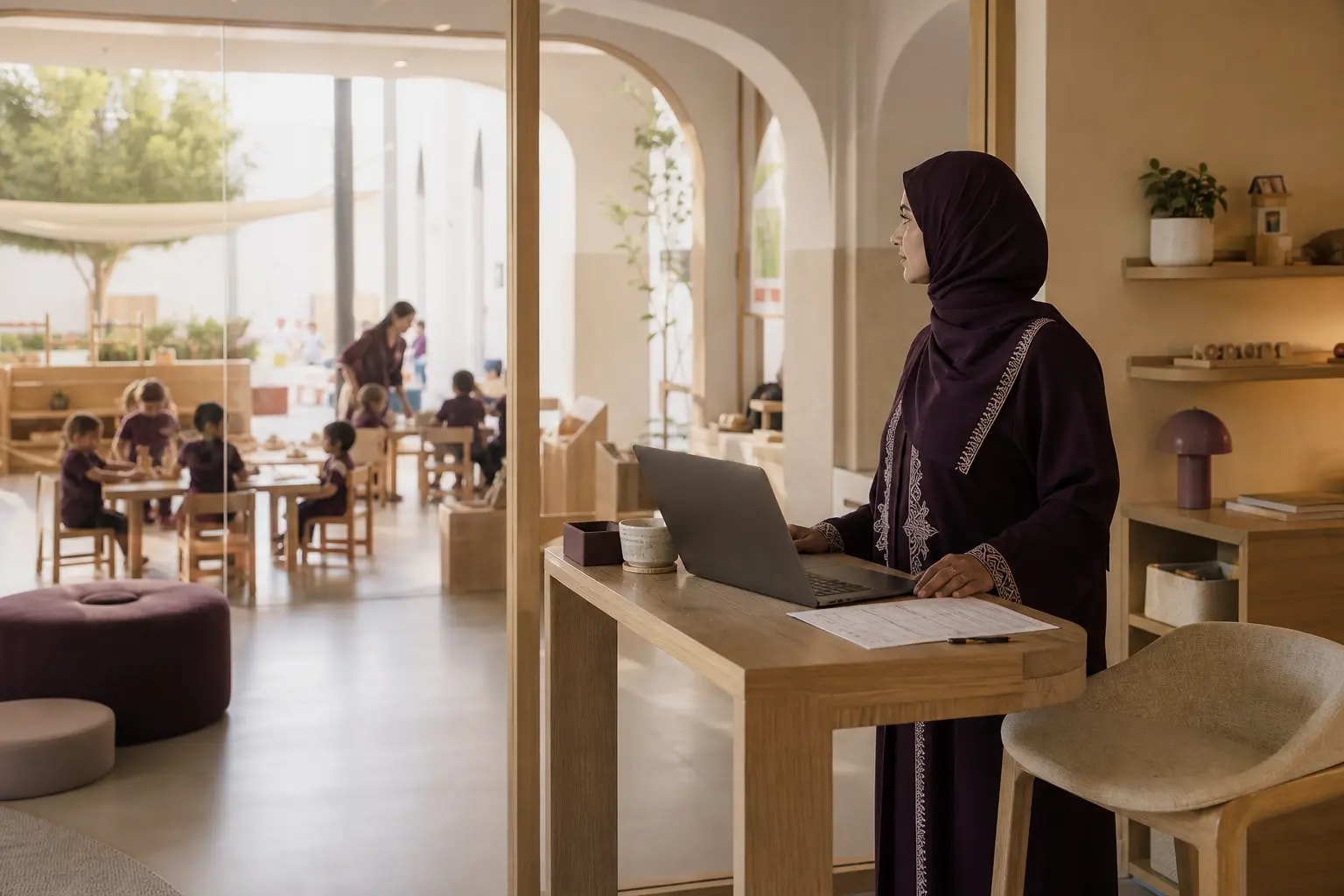
A manager, receptionist, teacher, finance colleague and parent should not receive the same crowded workspace. Each person needs a focused view of the decisions and actions that belong to their role, with enough shared context to keep the day connected.
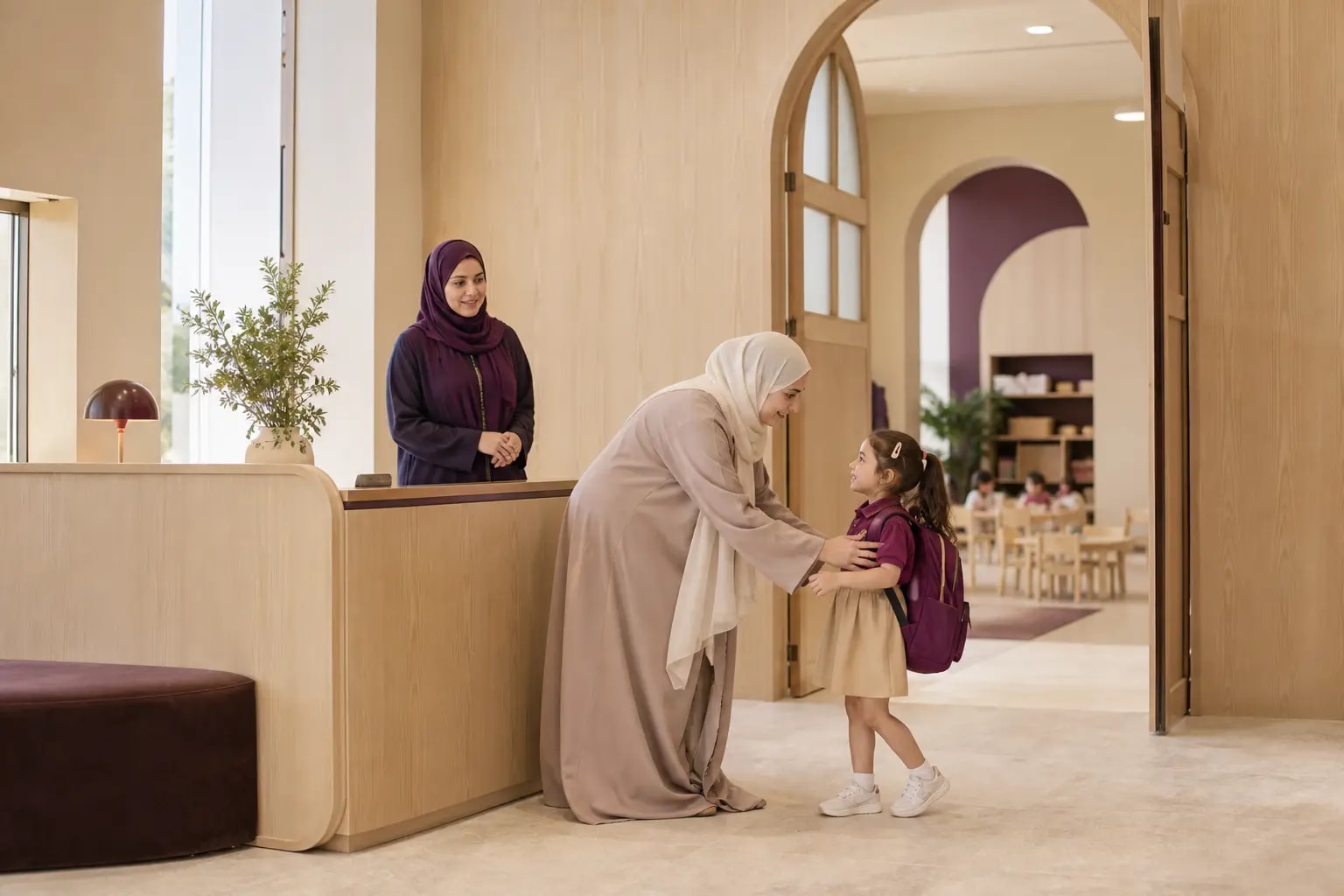
Ask the demonstration to change roles while following the same event. For example, reception records an arrival, the assigned room sees the child’s status, the family receives the relevant confirmation and management can later review the wider attendance picture. The quality of those transitions matters as much as any individual screen.
- Can a teacher work quickly while remaining inside assigned rooms?
- Can reception act without seeing sensitive finance or learning records?
- Can a family see only the children and messages linked to them?
Treat Arabic, access and local context as product behaviour
Ask to see real Arabic screens, right-to-left navigation, forms, notifications and documents. Translation alone is not enough when layout, reading order or printed output still behaves as English. The same principle applies to the centre timezone, QAR amounts and the documents used by the local team.
Then examine permissions beneath the interface. Sensitive medical, staff and finance information should follow clear role boundaries. A polished screen is useful, but confidence comes from understanding how the platform protects those boundaries when responsibilities overlap.
- Request the same workflow in English and Arabic.
- Check dates, currency, documents and notification reading order.
- Ask who can grant access and how changes are recorded.
Verify Qatar requirements with the responsible authority
Local fit is not a shortcut to regulatory compliance. Qatar’s Ministry of Education and Higher Education says its Nursery Department licenses, supervises and monitors nurseries, with periodic attention to health, safety and security, leadership and management, educational resources and staff credentials.
Law No. 1 of 2014 is the central nursery law listed by Al Meezan. A software supplier can explain how records, permissions and workflows support your approved process, but the nursery should verify current forms, records and obligations directly with the Ministry or a qualified adviser. Do not accept a broad ‘compliant’ label in place of that review.
- Ask which required records the workflow helps your team maintain.
- Check that exports and evidence match the format your nursery actually needs.
- Keep ownership of licensing and regulatory decisions with the nursery and its advisers.
Make the demonstration follow a complete day
A useful demonstration follows one child, one room or one operational issue from beginning to end. Start with arrival, move through attendance and classroom records, send the appropriate family update, handle a pickup change and finish with the management view.
This route prevents a demonstration from becoming a collection of perfect, disconnected screens. It also gives the people who will use the platform a chance to notice whether the sequence feels natural under real time pressure.
- Use realistic names, roles and room assignments.
- Ask what happens when information is missing or changes late.
- Include one exception, not only the ideal path.
Judge the change around the product
The platform is only one part of the decision. Clarify how information is prepared, who configures the nursery structure, how the team learns its role and where support sits after launch. A clear implementation conversation should make responsibilities visible without exposing unnecessary internal detail.
Finish by separating what is live, what is available for preview and what is planned. Record the answers beside your priorities so the final choice reflects today’s operational fit rather than a promise that may not affect the nursery day yet.
- Confirm current availability against the workflows you need first.
- Identify the nursery owner for each setup decision.
- Agree what success should look like after the first operating period.
A role-based demo scorecard
Bring this five-part route to each demonstration and score how naturally the platform carries context forward.
- 01Choose one child, one room and one realistic nursery day.
- 02Follow arrival from reception into the assigned classroom.
- 03Record one care or learning moment and share only what the family needs.
- 04Introduce an exception such as an absence, pickup change or unpaid balance.
- 05End in the management view and note what still required a separate message or spreadsheet.
Sources and further reading
Links checked when this guide was updated. Always verify current requirements with the relevant authority or a qualified adviser.